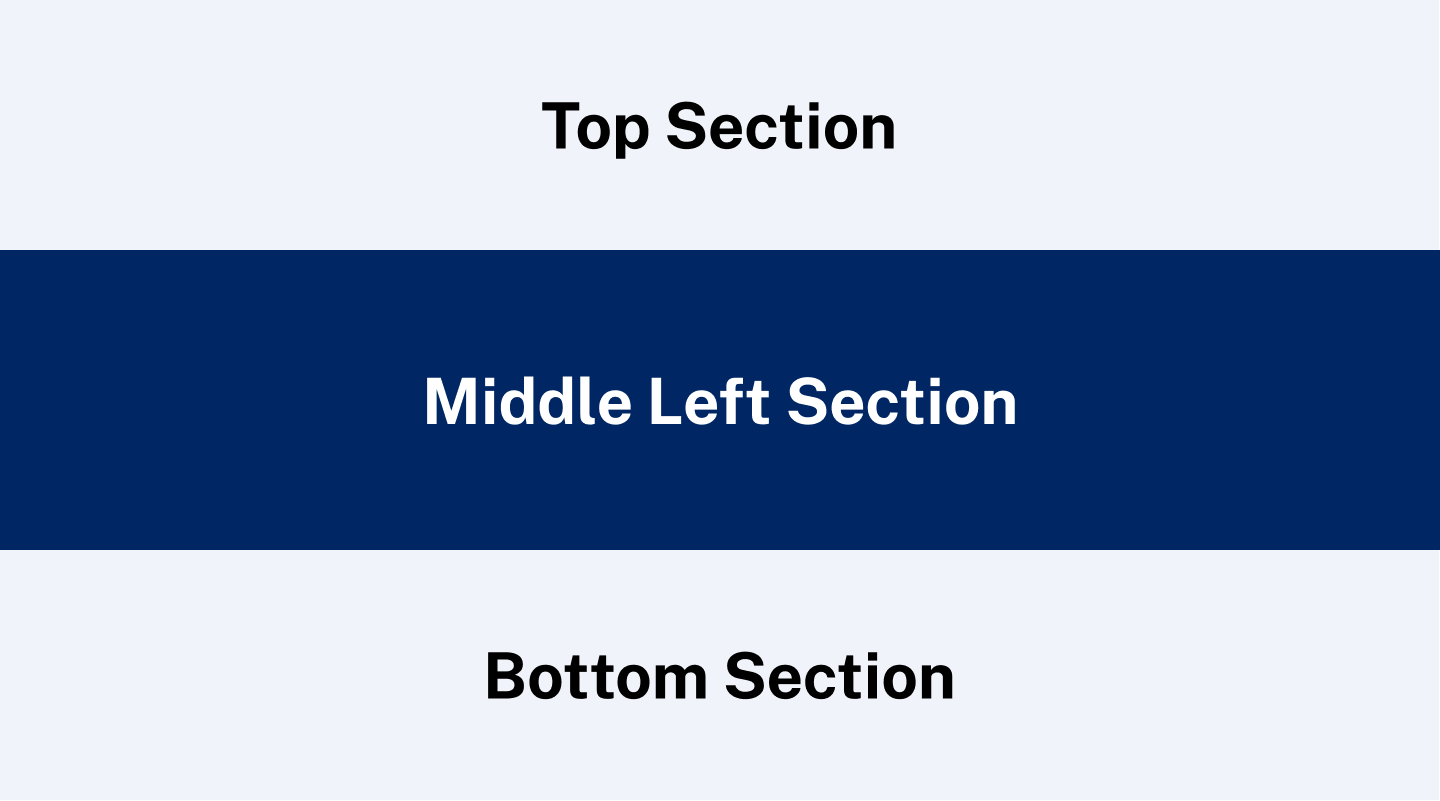
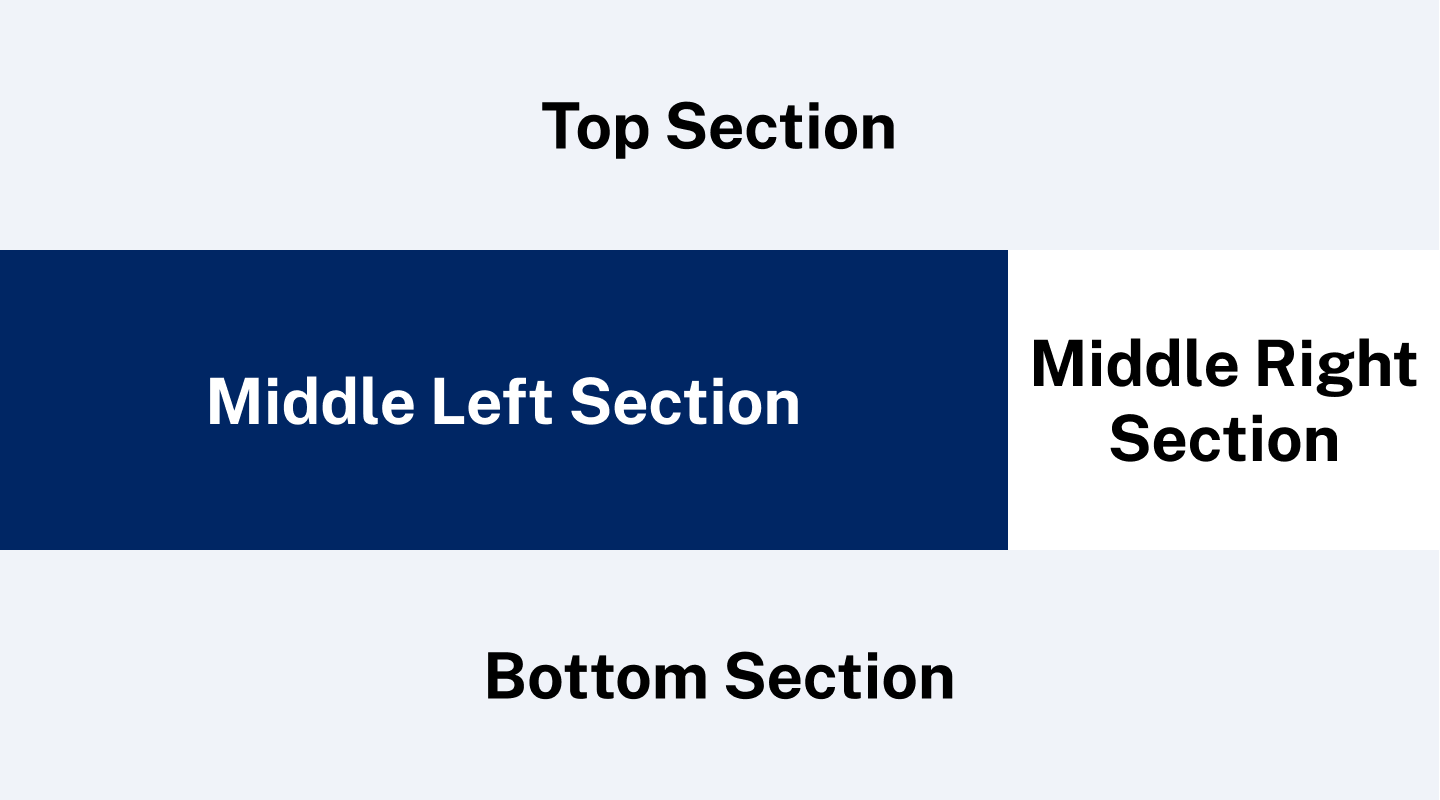
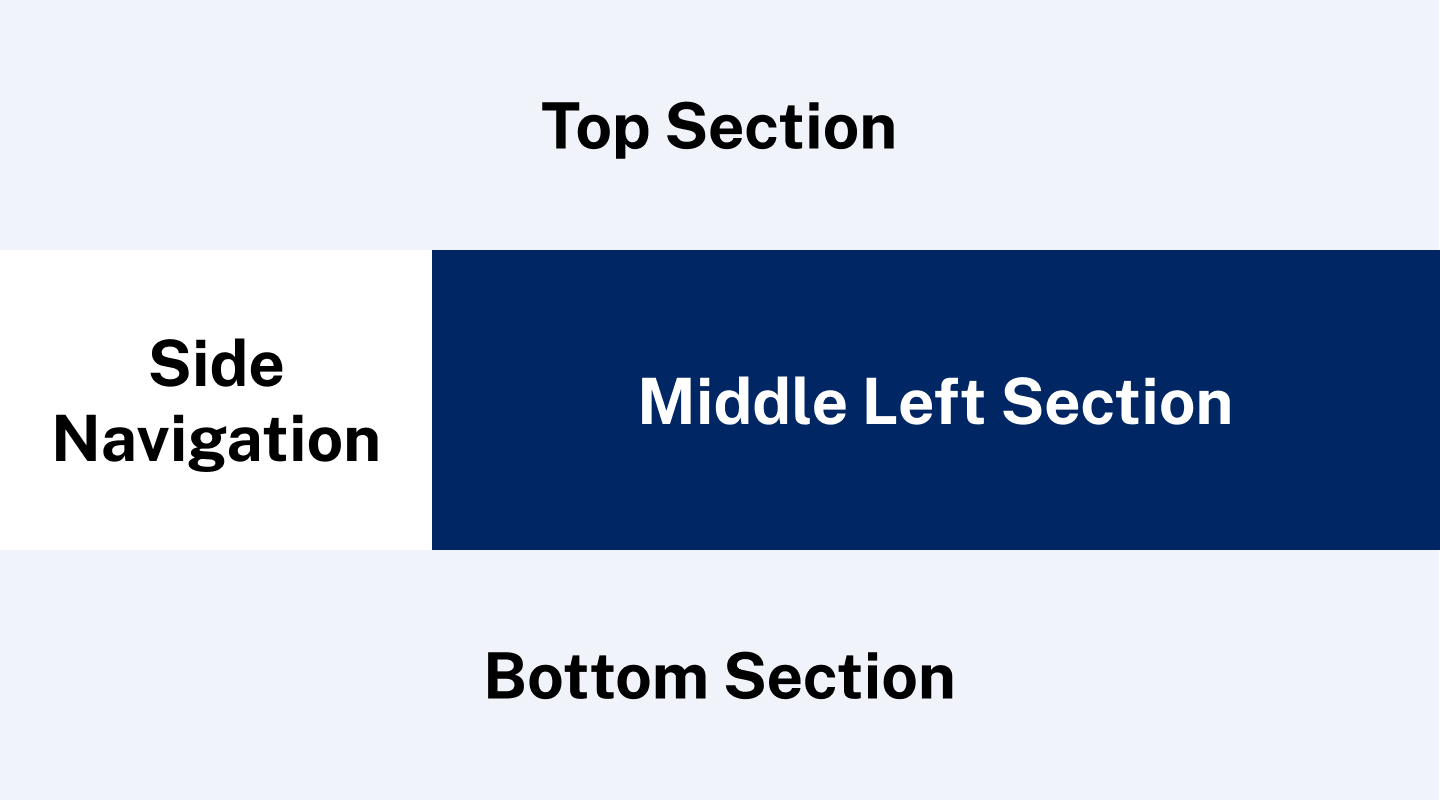
Rapid Start layout is divided into sections as indicated by the diagrams below. While most sections span the width of available content canvas, the middle section can be created to display with left and right columns based on your needs.
The sections available in Rapid Start include:
- Top Section - this is where hero banners or hero search implementations can be added.
- Middle Left Section - this is the primary content section. The Middle Left section will span 100% of the content canvas if no other configuration is enabled to impact its width. All components (except for hero banners and hero search) are available in this section.
- Middle Right Section - this section can be enabled to display related content or resources on the right hand side of a page. When enabled, the Middle Left Section will reduce to 70% width and the Middle Right Section will span 30%, while on mobile devices the Middle Right Section will fold under the Middle Left Section. Only certain components are available in the Middle Right Section.
- Bottom Section - this is a secondary content section which contains all components (except for hero banners and hero search). This section will always span 100% of the content canvas, allowing you to access 100% width even if the Middle sections are divided into columns.
The other feature which can impact page layout is the Sidebar (also known as Side Navigation) which will span 30% to the left of the Middle Left Section. This leaves content in the Middle Left Section to displaying a 70% width of the remaining content canvas.
What about the footer?
The footer can only be updated via the Structure menu and is not part of the editable layout.